CSS
Building a split flap display with CSS and JavaScript
A split flap board can only count forwards, which is the constraint that makes it convincing and also the one that makes it slow. Getting 110 cells to travel most of an alphabet and land in under two seconds took a design where almost none of the movement is animated at all.
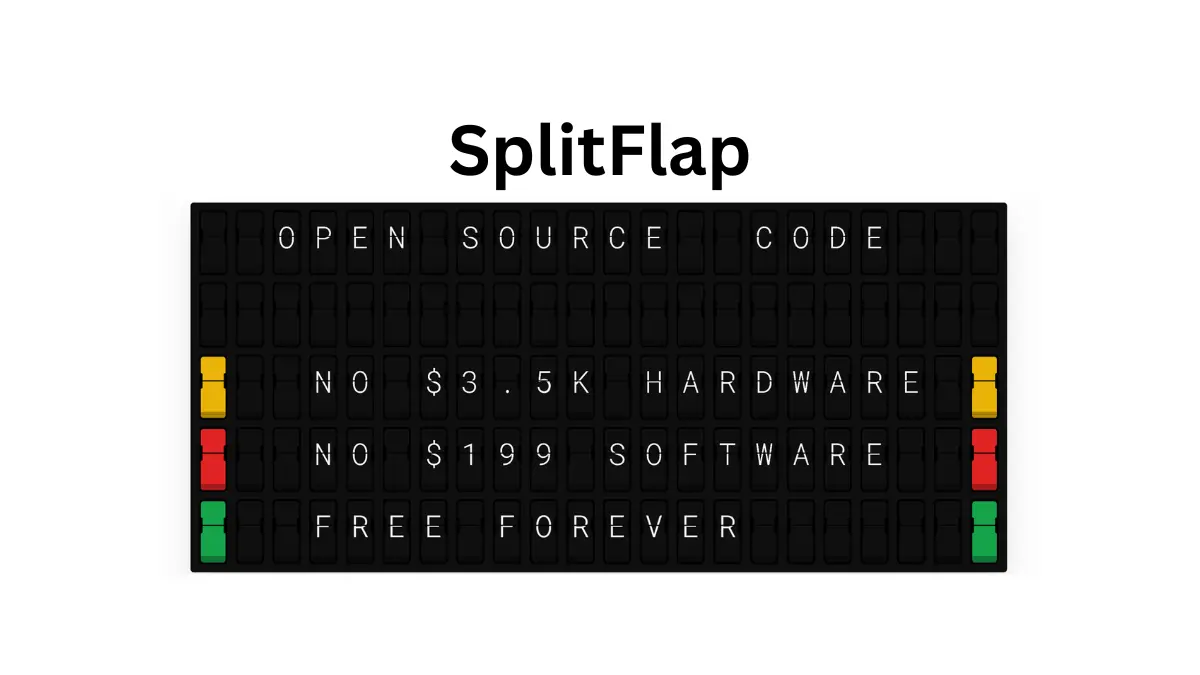
I wanted one because the departure boards in old train stations are lovely and a real one costs thousands. A browser and a spare television cost nothing, so the interesting question was how close you can get with a grid of divs.
The spool, and why it only turns one way
A physical cell is a drum with a stack of flaps on it, and the drum turns in one direction. To get from A to C it passes through B, and to get from Z back to A it travels the whole way round rather than reversing. That single mechanical fact is what your eye recognises, and it is worth reproducing faithfully even though nothing physically stops you cheating.
So the character set is modelled as a spool rather than a lookup table, and it includes colour panels alongside the glyphs the way the commercial boards do:
const COLOR_MAP = {
  "🟥": "#e02424",
  "🟧": "#f97316",
  "🟨": "#eab308",
  "🟩": "#16a34a",
  "🟦": "#2563eb",
  "🟪": "#9333ea",
  "⬜": "#ffffff",
};
const SPOOL = Array.from(
  " ABCDEFGHIJKLMNOPQRSTUVWXYZ0123456789!@#$%&*()-+=:;',./?",
);
Object.keys(COLOR_MAP).forEach((e) => SPOOL.push(e));
That comes to 56 characters plus seven colour chips, so 63 positions on the drum. Working out the route between two of them is a subtraction that wraps, and the wrap is the entire point:
let oi = spoolIndexOf(oldChar || " "),
  ni = spoolIndexOf(newChar || " ");
let steps = ni - oi;
if (steps < 0) steps += SPOOL.length;
if (steps === 0 && oldChar !== newChar) steps = 1;

const path = [];
for (let i = 1; i <= steps; i++)
  path.push(SPOOL[(oi + i) % SPOOL.length]);
A negative distance gets the length of the spool added to it, so the cell goes the long way round instead of backwards. The second guard covers a case I did not expect until it happened: two different entries can land on the same index when a character is not in the spool at all and falls back to position zero, so a change that would otherwise compute as zero steps is forced to take one.
The flap does not turn 180 degrees
Each cell is built from four layers rather than one moving piece. There is a static top half and a static bottom half, a falling flap that sits over the top half and is invisible until it is needed, and a thin overlay across the seam that hides the join. The falling flap is the only thing that moves.
When a landing happens, the top half switches to the new character immediately while the falling flap is set to show the old one, so the flap you watch drop is the character leaving. It rotates through 90 degrees, not 180, and fades out as it goes:
c.wrap._anim = c.wrap.animate(
  [
    { transform: "rotateX(0deg)", opacity: 1 },
    { transform: "rotateX(-90deg)", opacity: 0 },
  ],
  {
    duration: capturedSpeed,
    easing: easing === "linear" ? "linear" : easing,
    fill: "forwards",
  },
);
Ninety degrees is the point at which the flap is edge on and has no visible area, so continuing to 180 would mean rendering the back of a panel nobody needs to see. Fading to zero at the same moment covers the transition, and the bottom half is swapped to the new character exactly halfway through the fall, while the descending flap still hides it:
// Halfway: update bottom half
scheduleAction(capturedT + capturedSpeed * 0.5, () => {
  if (c.sBtm) c.sBtm.textContent = dc;
  if (c.botBg) c.botBg.style.background = bg;
});
That halfway swap is the trick the whole illusion rests on. Get the timing wrong in either direction and you briefly see the old bottom under a disappearing flap, which reads instantly as broken.
The geometry is all clip-path and gradients generated
from a settings object, and the cell is designed at roughly four times
its final size then scaled down with a transform, a font size of 247
pixels at a scale of 0.22. Building it large and shrinking it keeps
every clip path, gradient stop and ridge proportional when the board
is resized, instead of needing a dozen values recalculated per
breakpoint.
Almost none of the movement is animated
Here is where the forward only rule turns expensive. A cell going from B to A travels 62 positions. Give each of those the full falling flap treatment and a single cell takes most of half a minute, so intermediate steps do not animate at all: they swap the text of both halves instantly and move on.
| Step | What happens | Duration | Animation object |
|---|---|---|---|
| Every intermediate | Text of both halves replaced, in place | fastSpeed: 25 |
none |
| The landing | Falling flap rotates and fades, bottom swaps at halfway | animDuration: 360 |
one per cell |
Worst case travel across a 63 position spool is 62 intermediate steps. At 25 milliseconds each that is 1.55 seconds, plus one 360 millisecond landing, so just under two seconds. Animating every step properly instead would take 22.7 seconds for the same character change. The two speed design is not an optimisation, it is the difference between a board and a screensaver.
At 25 milliseconds a step nobody perceives an individual intermediate anyway, which is what makes the shortcut invisible. What you see is a blur of characters resolving into a letter, then one clean flap when it arrives, and the blur is doing the work of selling the distance travelled.
One loop for the whole board
With 110 cells each holding a queue of steps, the obvious implementation is a timer per cell, and that is a great way to end up with hundreds of pending callbacks fighting each other. Instead every action across the entire board is pushed onto one queue stamped with the time it should run, and a single animation frame loop drains it:
function scheduleAction(t, fn) {
  animQueue.push({ time: t, fn });
}

function animTick(now) {
  const el = now - animT0;
  let i = 0;
  while (i < animQueue.length && animQueue[i].time <= el) {
    animQueue[i].fn();
    i++;
  }
  if (i > 0) animQueue.splice(0, i);
  if (animQueue.length > 0) animRAF = requestAnimationFrame(animTick);
  else {
    animRAF = null;
    currentChars = [...animTarget];
    isFlipping = false;
    if (animDoneCb) animDoneCb();
  }
}
Because the queue is built in time order, draining it is a walk from the front until something is not due yet, then a single splice. The loop stops itself when the queue empties, which is also the moment the board knows it has finished and can report the new state as current.
Cells do not all start together either. The delay for each one ramps across columns and down rows, at 40 milliseconds per column and 1.5 times that per row, so a full board change sweeps diagonally from the top left and the last cell begins a little over a second after the first. A board where everything starts at once looks like a screen refreshing. A board that ripples looks mechanical.
Making 110 clicks sound like a machine
The sound matters more than I expected, and playing one identical sample per landing sounds wrong in a way that is hard to place until you hear the fix. A hundred copies of exactly the same click phase together into a buzz. Real flaps are all slightly different.
const src = ctx.createBufferSource();
src.buffer = clickBuffer;
src.playbackRate.value = rate + (Math.random() * 0.4 - 0.2);
Detuning each click by up to a fifth in either direction is the whole difference, and it costs one line. Two limits sit in front of it as well: at most eight voices at once, and no two clicks closer than 25 milliseconds. That interval is the same as the intermediate step duration, so a cell blurring through the spool can contribute at most one click per step, and intermediate steps only fire on every third one anyway. The blur ends up with a texture instead of a buzz.
Two ways to pair, with different trust
A board on a wall has no keyboard, so a phone drives it. The interesting part is that there are two ways to connect a phone and they are deliberately not equally trusted.
The board displays a short code and a QR code, and the QR carries a secret the short code does not. Scanning it proves you can physically see the screen, so that path pairs immediately. Typing the code proves nothing of the sort, so it asks the board for permission:
// Check if secret matches (QR code path) → auto-approve
// ...
// Manual code path → require board-side approval
safeSend(b.boardWs, { type: "pair_request" });
Somebody guessing at codes therefore cannot take over a board without a person standing in front of it pressing approve. When a companion disconnects the server generates a fresh code and secret for the next one and tells the board about it, so a code that has been used or seen is worthless afterwards.
The socket is capped at a 64 kilobyte payload, which is generous for what amounts to a few dozen characters of board state and mean enough to make abuse pointless.
Why the weather goes through the server
A board showing a live forecast is the thing I actually use, and the National Weather Service API cannot be called from the page. It requires a descriptive User-Agent on every request, which a browser will not let you set, and it wants two calls rather than one: a lookup on latitude and longitude returns the URL of the forecast for that grid square, and only then can you fetch the forecast itself.
So the server proxies it, with three separate caches, one for the grid point lookup, one for the forecast and one for alerts. The point lookup in particular almost never changes for a fixed location, so caching it removes an entire round trip from every refresh.
What it cost
The board is four HTML files and a Node server with no build step,
which means the whole thing can be read start to finish and there is
no toolchain to resurrect in two years when I want to change
something. What that costs is that every file carries its own copy of
the cell rendering code, and the comments in
buildCellSchedule about which state object to reference
are the scar tissue from exactly that.
The lesson I would keep is the one about not optimising away the constraint. The obvious improvement, letting a cell take the short route around the spool, would make every change faster and the board worse. What needed optimising was the cost of honouring the constraint, not the constraint itself.
It runs at splitflap.org, and the rest of what I build is on my projects page. If you want another case of a browser doing something it has no business doing, the background removal post covers running a segmentation model client side.